코드를 수정할 때마다 서버에 접속해서 pull하는 과정을 자동화하기 위해,
github에 코드를 push하면 원격 서버에 자동으로 반영되도록 해주는 github actions workflow 구축 방법 기록
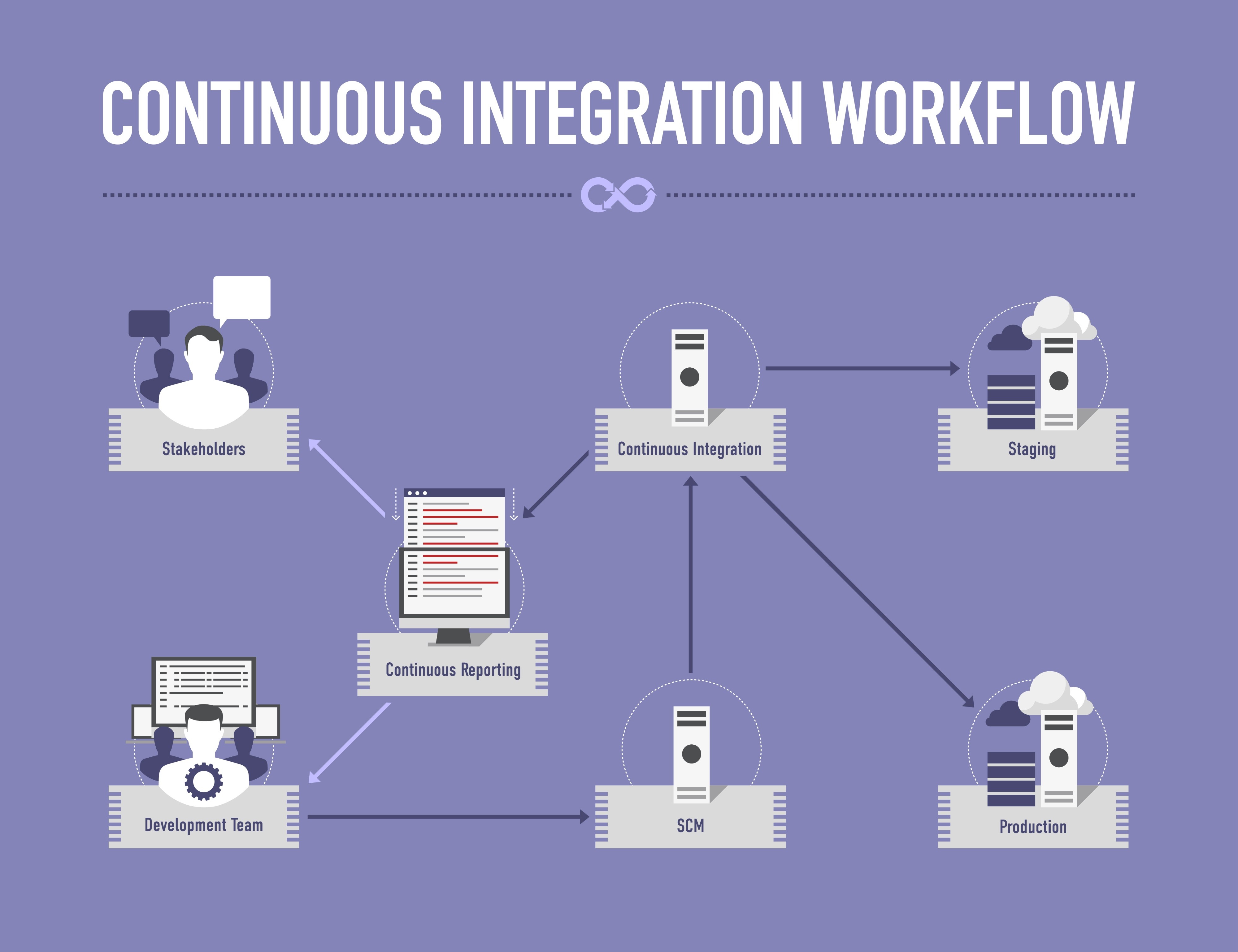
github actions는 CI/CD(지속적 통합/배포) 도구.
architecture
- push
- action trigger (github 서버 감지 후 .yml workflow 실행)
- ssh access
- pull & restart
사전 준비
- ssh key
● ssh key (public/private) 생성
● public key 서버의 ~/.ssh/authorized_keys에 추가해 접근 허용
- github repo에 secrets 등록
settings > secrets and variables > actions
● host : 서버 ip or domain
● username : 서버 접속 계정명
● ssh_private_key : private key
github actions workflow file 작성
- root directory에 .github/workflows/deploy.yml 생성
name: Auto Deploy to Server

on:
  push:
    branches:
      - main  # main 브랜치에 Push가 일어날 때 작동

jobs:
  deploy:
    runs-on: ubuntu-latest

    steps:
      - name: SSH Remote Commands
        uses: appleboy/ssh-action@master
        with:
          host: ${{ secrets.HOST }}
          username: ${{ secrets.USERNAME }}
          key: ${{ secrets.SSH_PRIVATE_KEY }}
          # 서버 접속 후 실행할 명령어
          script: |
            cd /path/to/your/project
            ./deploy.sh
배포 스크립트 모듈화 (deploy.sh)
- 배포 과정이 복잡해질 것을 대비해 서버 내부에 별도의 쉘 스크립트 파일을 만들어 모듈화
- project 폴더 최상단에 deploy.sh를 만들고 권한 부여 ( chmod +x deploy.sh )
#!/bin/bash

# 선언
sProjectDir="/path/to/your/project"
sBranchName="main"


# 소스코드 동기화 및 빌드

echo "=> 배포 시작."
cd $sProjectDir

echo "=> 최신 코드 가져오기."
git pull origin $sBranchName

# 필요시 패키지 설치 또는 빌드 과정을 단계로 나열.
# echo "=> 의존성 패키지를 설치합니다."
# npm install
# npm run build

# 출력 및 서비스 반영
echo "=> 서버를 재시작합니다."

# pm2 restart my-app (Node.js 예)
# systemctl restart nginx (웹 서버 예)

echo "=> 배포 완료."
이외
github webhooks를 사용하여 서버에서 직접 특정 이벤트를 수신하는 방식도 있다.
다만 설정이 복잡하고 서버 보안 관리가 어렵다.
'study' 카테고리의 다른 글
| Ubuntu 홈 서버 구축 - 원격 접속 환경과 기본 보안 설정 (0) | 2026.06.26 |
|---|